
Advanced Excel Features
Master advanced Excel tools for tracing formulas, auditing models, controlling errors, and working faster in finance.
Work faster without losing control of the model
Advanced Excel work is not only about writing longer formulas. It is about navigating large workbooks efficiently, tracing logic, finding errors, protecting consistency, and communicating model structure. This live course develops the tools and habits finance professionals use to review and maintain complex spreadsheets with confidence.
The session at a glance
Format · Live instructor-led webinar or in person Learning objectives · Trace precedents and dependents; audit formulas and model flow; apply advanced lookup, logic, and reference techniques; diagnose common spreadsheet errors; manage workbook structure and consistency; and use keyboard-driven workflows to improve speed and control.
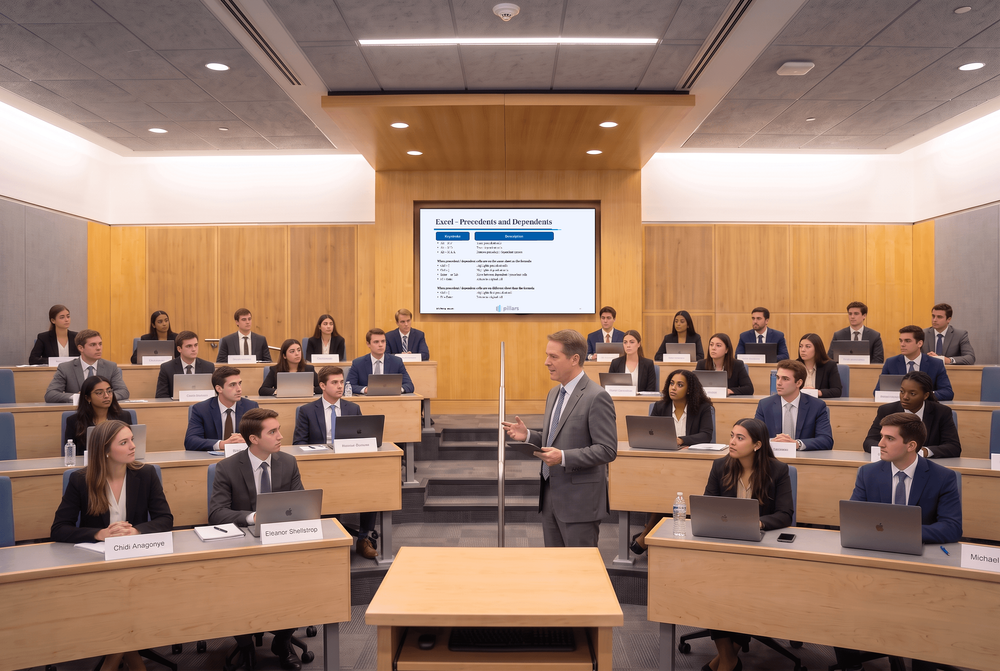
Live instruction. See how professionals trace and audit a model.
Work through an actual Pillars Excel slide covering precedents, dependents, and the keyboard commands used to trace model logic. The instructor expands that workflow into a practical approach for auditing formulas, diagnosing errors, navigating complex workbooks, and improving model reliability.

Who this course is for
Designed for analysts, associates, accountants, FP&A teams, transaction professionals, investors, and students who already use Excel and want a more controlled, efficient approach to complex finance workbooks.
How to prepare
Participants should be comfortable with formulas, cell references, and basic worksheet navigation. Bring a laptop with Excel and, if appropriate, a workbook that is difficult to audit or maintain so you can compare its structure with the techniques demonstrated.
Course agenda
Move from advanced navigation and formula tools to a repeatable process for auditing and controlling finance workbooks.
Navigate complex workbooks efficiently
Use keyboard shortcuts, range selection, sheet movement, and structured navigation to reduce friction in large files.
Trace precedents and dependents
Follow formula relationships within and across worksheets to understand model flow and locate breaks.
Apply advanced formula techniques
Use logical tests, lookups, references, and error handling in formulas that remain clear and reviewable.
Diagnose errors and inconsistencies
Find hardcodes, broken links, mismatched formulas, circularity risks, and other common model-control issues.
Establish a disciplined review process
Combine workbook organization, checks, documentation, and version control into a repeatable audit workflow.
A certificate worth sharing
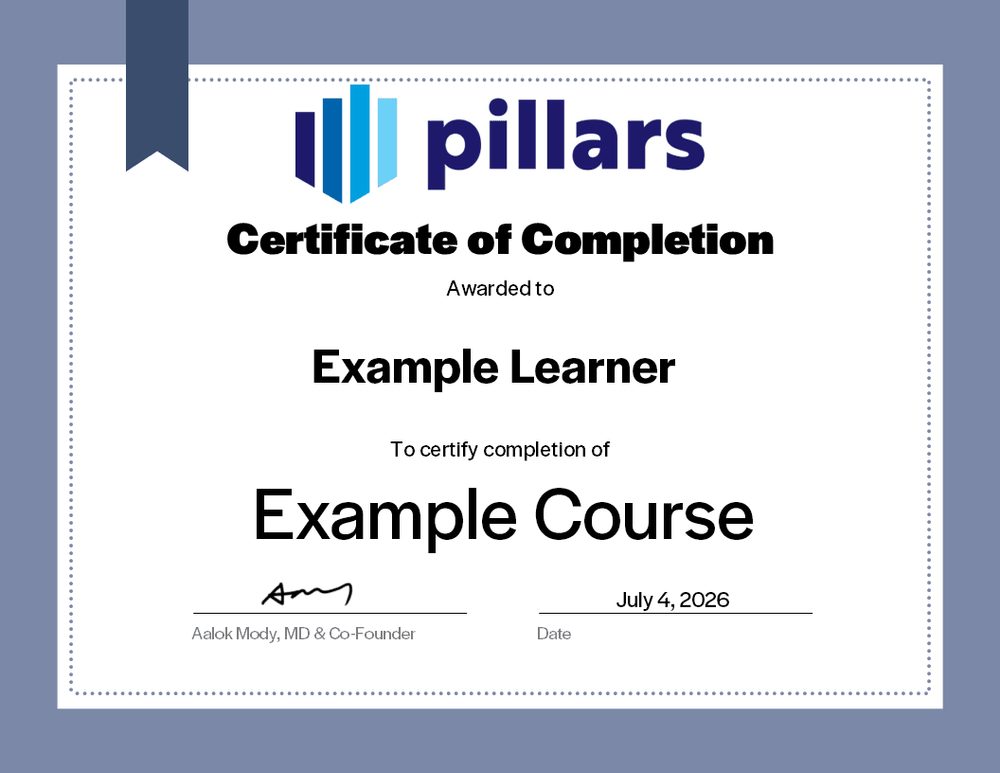
Upon completion, you will receive a certificate signifying your completion. Add it to your LinkedIn profile, résumé, or professional-development record.
Common questions
The practical details, in one place.
Is this live or on demand?
This is a live, instructor-led course delivered as a webinar or in person for a private business or school group.
What does the session cover?
The session covers advanced Excel navigation, precedents and dependents, formula auditing, lookup and logic techniques, error diagnosis, workbook organization, and practical model-review controls.
Are recordings, materials, or certificates included?
Live sessions include the materials used during the program and a certificate of completion. Recordings are not included unless explicitly arranged in advance.
I am a CPA, can this course offer CPE credit?
Yes. Eligible live sessions can be offered for CPE credit when the program is delivered and documented in accordance with Pillars’ CPE policies. Confirm the specific engagement details with Pillars before the session.
Bring practical advanced Excel training to your team.
Give your team faster workflows and a stronger process for tracing formulas, finding errors, and maintaining reliable finance models.