
Editing a Model
Edit an existing financial model without breaking its logic, links, or outputs.
Make changes without losing control of the model
Editing a completed model requires more than replacing assumptions or deleting rows. Participants learn a disciplined process for creating a clean working version, tracing dependencies, removing circularities, making structural changes, and checking that the model still balances and produces sensible results.
The session at a glance
Format · Live instructor-led webinar or in person Learning objectives · Plan a controlled model edit; trace precedents and dependents before changing formulas; remove and restore circularities safely; identify broken links and common Excel errors; confirm balance-sheet integrity; and review trends after each change.
Live instruction. Edit the model with a clear control process.
The instructor works through actual Pillars materials on version control, circularity, dependency tracing, error review, and balance-sheet checks. Participants see how each safeguard fits into a practical editing sequence they can apply to an existing operating model.


Who this course is for
Designed for analysts, associates, accountants, corporate-finance teams, consultants, and students who inherit completed Excel models and need to change assumptions, structure, or outputs without damaging the model.
How to prepare
Participants should understand basic Excel formulas and the three financial statements. Bring a copy of a model you may need to revise, or a short description of a change request you have received. No advanced VBA experience is required.
Course agenda
Move from a change request to a controlled edit, an error-free model, and reviewed outputs.
Define the change and protect the original
Clarify the requested output, save a new version, and identify the tabs, assumptions, and schedules likely to be affected.
Trace model dependencies
Use precedents, dependents, and formula review to map how the proposed change flows through the model.
Manage circularity and structural edits
Turn iterations off, isolate circular references, and make additions, deletions, or formula changes in a controlled sequence.
Test calculations and statement integrity
Review errors, matrix consistency, statement links, and the balance sheet after each material change.
Review trends and finalize the file
Stress the revised assumptions, inspect outputs for unusual movements, restore intended circularity, and document the completed edit.
A certificate worth sharing
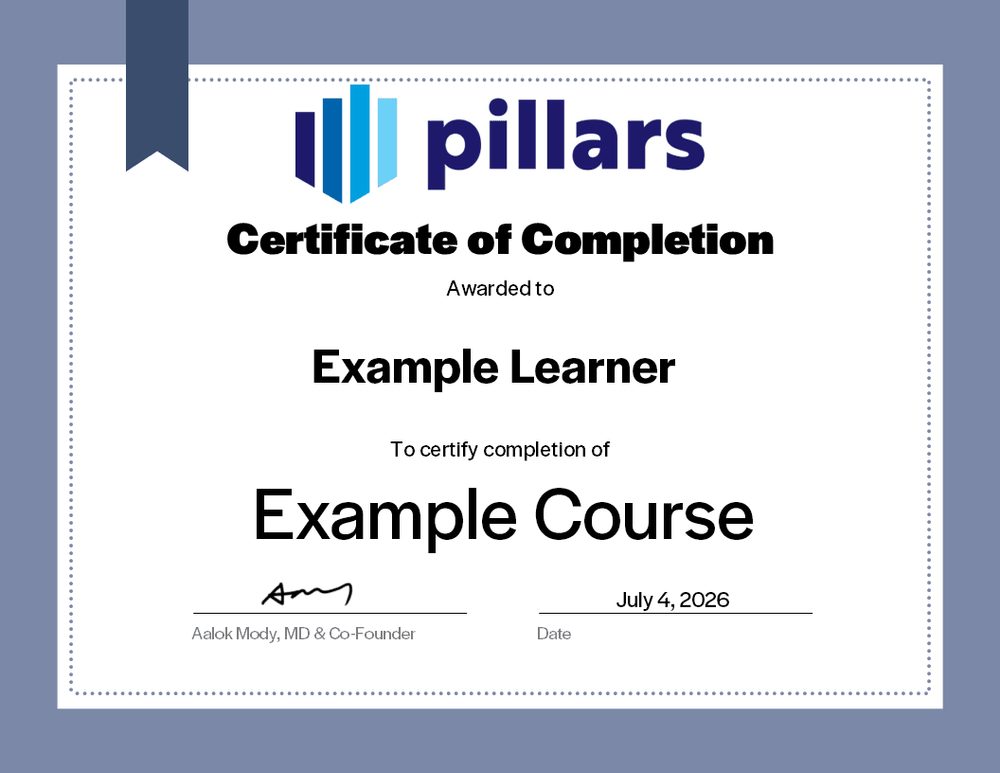
Upon completion, you will receive a certificate signifying your completion. Add it to your LinkedIn profile, résumé, or professional-development record.
Common questions
The practical details, in one place.
Is this live or on demand?
This is a live, instructor-led course delivered as a webinar or in person for a private business or school group.
What does the session cover?
The session covers version control, dependency tracing, circularity, structural model edits, formula errors, statement integrity, stress testing, and output review. It focuses on editing existing financial models rather than building a model from a blank workbook.
Are recordings, materials, or certificates included?
Live sessions include the materials used during the program and a certificate of completion. Recordings are not included unless explicitly arranged in advance.
I am a CPA, can this course offer CPE credit?
Yes. Eligible live sessions can be offered for CPE credit when the program is delivered and documented in accordance with Pillars’ CPE policies. Confirm the specific engagement details with Pillars before the session.
Bring practical financial-model editing to your team.
Give your team a disciplined process for changing existing models while protecting formulas, statements, and decision-useful outputs.