
Financial Modeling with Copilot
Link the three financial statements using Copilot.
Link the three financial statements
Work through a fictional operating company with historical results and driver assumptions. Use Copilot to organize the evidence, review the analysis, and explain your decisions. Check figures against the inputs and identify where judgment is needed.
The session at a glance
Format · Live instructor-led webinar or in person
Learning objectives · Set up model inputs; Forecast the income statement; Build supporting schedules; Link the statements; Test model integrity; Explain a sensitivity.
Learn through practical finance scenarios
Bring the analysis together using a fictional operating company with historical results and driver assumptions. Document the inputs and adjustments, verify the results, and present the conclusion for review.


Who this course is for
Finance analysts and students who know basic Excel and accounting.
Preparation
Come prepared to work in your organization’s approved Copilot environment. Practice with the class materials and follow your organization’s data-handling policies.
Course agenda
Bring the analysis together using a fictional operating company with historical results and driver assumptions. Document the inputs and adjustments, verify the results, and present the conclusion for review.
Practice: Set up model inputs
Separate assumptions, source data, and calculations.
Practice: Forecast the income statement
Project revenue, expenses, and taxes from explicit drivers.
Practice: Build supporting schedules
Connect working capital, capital spending, and debt to the forecast.
Practice: Link the statements
Tie net income, cash movement, and ending balances across the model.
Practice: Test model integrity
Investigate an out-of-balance balance sheet and trace the broken link.
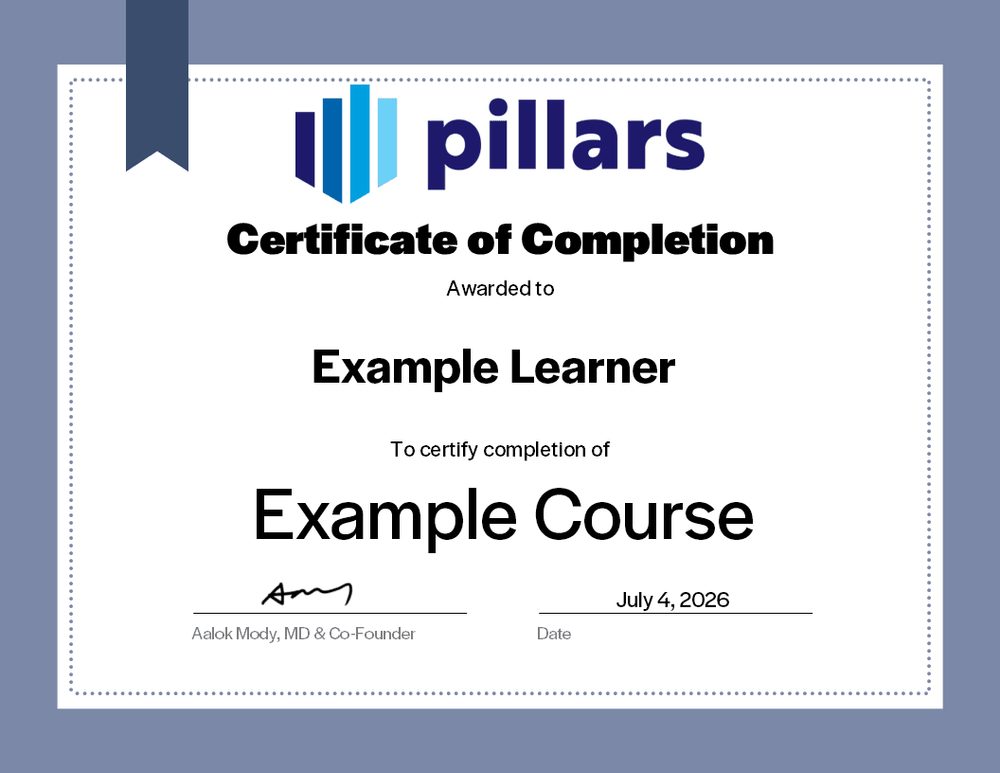
Your certificate of completion
Upon completion, you will receive a certificate signifying your completion. Add it to your LinkedIn profile, résumé, or professional-development record.
Common questions
The practical details, in one place.
Is this course live or on demand?
This is a live course that may be delivered by webinar or in person.
What should I expect?
This live course includes guided instruction and a certificate of completion. Any materials or recording availability depends on the confirmed delivery arrangement.
Can this course offer CPE credit?
Ask Pillars to confirm CPE eligibility for your planned session.
How should I prepare?
Bring the questions and workflows you want to evaluate; the course begins with practical foundations.