
Introduction to Excel and 3 Statement Modeling
Build core Excel fluency and connect the income statement, balance sheet, and cash flow statement in a working financial model.
Move from Excel fundamentals to a connected three-statement model
Overview · Outcomes · Audience · Agenda · Certificate · FAQ
Strong financial models begin with disciplined Excel habits and a clear build sequence. This live course introduces efficient navigation, formula construction, model formatting, statement linkage, debt and interest calculations, circularity, and model checks so participants can understand how the three financial statements work together.
The session at a glance
Format · Live instructor-led webinar or in person Learning objectives · Use essential Excel shortcuts, apply consistent modeling conventions, build and link the three financial statements, manage cash and debt circularity, and test a model for errors and reasonableness.
Live instruction. A model that connects.
What to expect
- A live, instructor-led session that combines efficient Excel practice with a structured three-statement build.
- Guided demonstrations of statement linkage, supporting schedules, cash, debt, interest, and circularity.
- Practical checks for balance, formula consistency, unusual trends, and model usability.
The goal is not merely to make the balance sheet balance. It is to build a model whose logic can be followed, tested, and explained.

Who this course is for
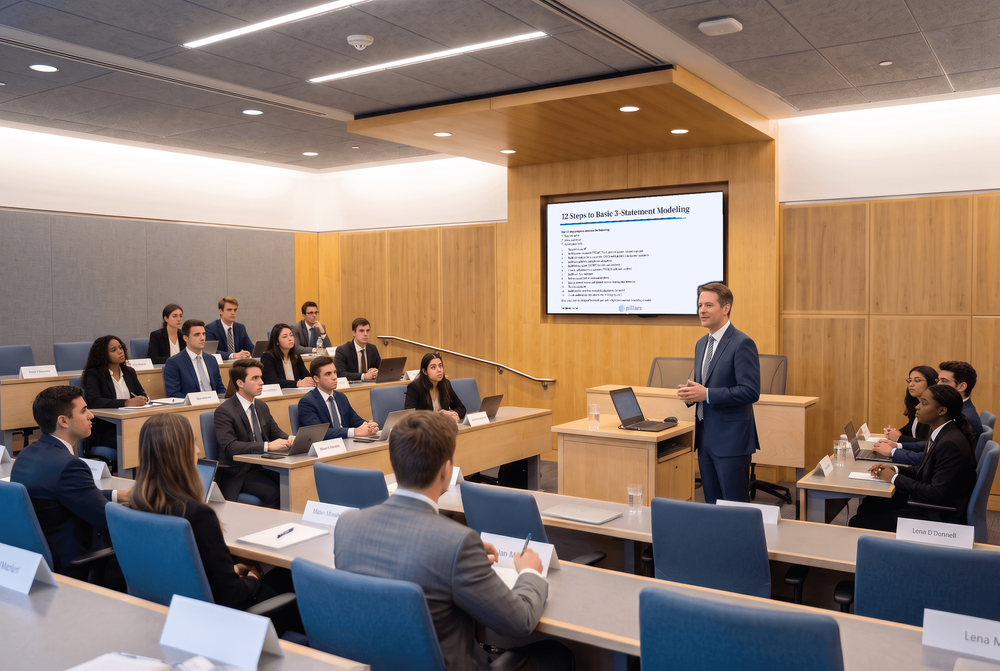
Designed for analysts, associates, accountants, finance professionals, and students who are new to integrated financial modeling or want a more disciplined Excel and three-statement modeling process.
Preparation that makes the modeling work more useful
Bring a laptop with Microsoft Excel and be ready to work through formulas and statement relationships as the model develops. Familiarity with the income statement, balance sheet, and cash flow statement is helpful, but no completed financial model is required before the session.
Course agenda
Build from efficient Excel habits to a connected model, then test the result before relying on it.
Establish efficient Excel and modeling conventions
We begin with the settings, shortcuts, navigation, formatting, and formula practices that support accurate and reviewable model construction.
Build the income statement and supporting calculations
We forecast the core operating lines, develop supporting schedules, and link depreciation and other calculated items into the income statement.
Develop debt, interest, and the balance sheet
We construct the debt schedule, calculate interest using appropriate balances, and forecast operating balance-sheet accounts before linking cash and the revolver.
Complete the cash flow statement and balance the model
We classify balance-sheet changes, build the cash flow statement, and connect the cash and financing lines needed to balance the model.
Manage circularity and check the finished model
We introduce the circularity switch, turn iterations on deliberately, stress-test assumptions, review matrix integrity, and diagnose common model errors.
A certificate worth sharing
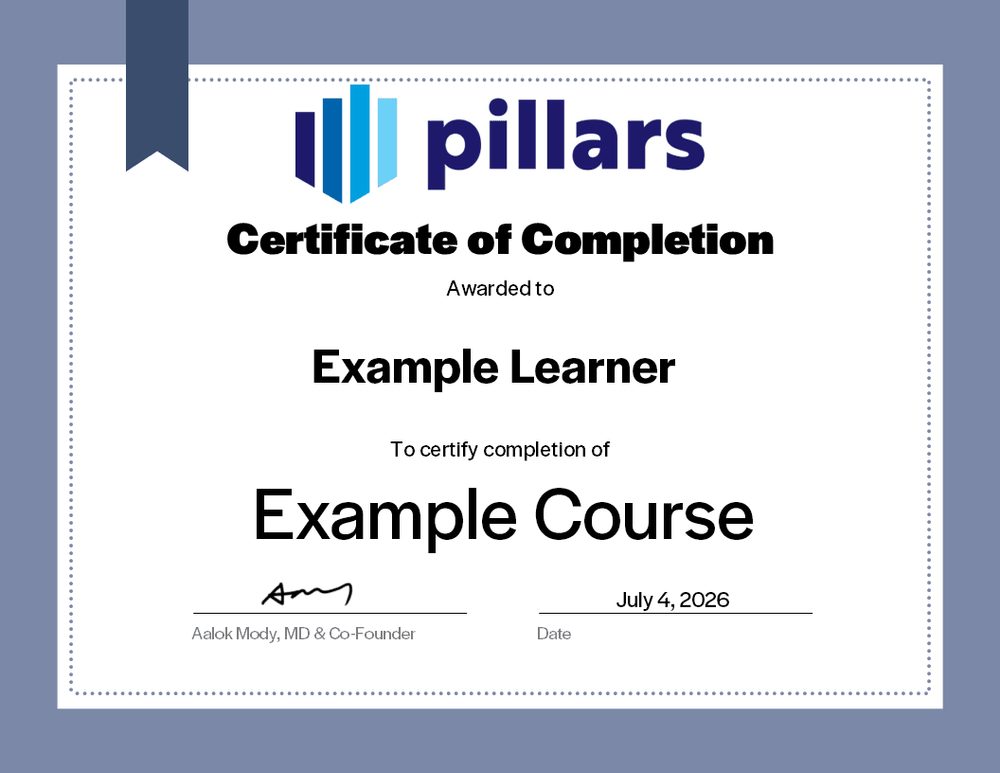
Upon completion, you will receive a certificate signifying your completion. Add it to your LinkedIn profile, résumé, or professional-development record.
Common questions
The practical details, in one place.
Is this live or on demand?
This is a live, instructor-led course delivered as a webinar or in person for a private business or school group.
What does the session cover?
The session covers Excel settings and shortcuts, formula and formatting conventions, the sequence for building the three financial statements, supporting calculations, debt and interest schedules, cash and revolver circularity, and model-checking techniques.
Are recordings, materials, or certificates included?
Live sessions include the materials used during the program and a certificate of completion. Recordings are not included unless explicitly arranged in advance.
I am a CPA, can this course offer CPE credit?
Yes. Eligible live sessions can be offered for CPE credit when the program is delivered and documented in accordance with Pillars’ CPE policies. Confirm the specific engagement details with Pillars before the session.
Bring practical Excel and three-statement modeling to your team
Give your team a repeatable framework for building, linking, reviewing, and explaining an integrated financial model.