
PowerPoint Fundamentals Live
Learn about foundational PowerPoint concepts
Overview
The goal of this course is to teach the foundational skills to effectively work with PowerPoint. Emphasis is placed on how to navigate and effectively use the ribbon, when to use shortcuts, and how to use key elements of PowerPoint.
- Essential skills
- Creating slides
- Adding text
- Creating objects
- Editing
- Cut, copy, paste
- Formatting & fonts
- Objects
- Creating and modifying common shapes
- Boxes
- Lines
- Text boxes
- Alignment
- Rotating objects to the slide and other objects
- Grouping commands for ease of use
- Creating and modifying common shapes
- Tables
- Creating new tables
- Modifying tables
- Formatting tables
- Graphs
- Choosing the right graph
- Creating new graphs from your data
- Changing graph data source
- Formatting graphs
- Working with images
- Sizing
- File types
- Formatting
- Speeding it up
- Creating a quick access toolbar
- Shortcut keys
Build clear, effective presentations
Build the practical PowerPoint skills that make finance and business communication easier to follow. Learn how to structure slides, work efficiently with the ribbon and shortcuts, format content consistently, and use objects and tables with purpose.
Session at a glance
Format: Live instructor-led webinar or in-person
Learning objectives: Create, edit, and format PowerPoint slides; use shapes, text, alignment, and tables; and apply a disciplined workflow for professional business presentations.
Live instruction. Clearer communication.
Through live demonstrations and guided practice, participants learn how to turn a business message into a cleaner, more confident presentation. The session focuses on practical build-and-edit decisions that make financial and business communication more useful to the audience.

Who this course is for
Analysts, associates, finance professionals, and other business communicators who need practical PowerPoint skills for clear, professional presentations.
How to prepare
Bring examples of the types of slides you create or review. Familiarity with the purpose of your presentation is useful; no advanced PowerPoint experience is required.
Course agenda
Build a repeatable approach to creating and improving professional presentation materials.
Session 1
You will organize the PowerPoint workspace and use the ribbon and shortcuts to work more efficiently.
Session 2
You will build slides with clear text, objects, shapes, and simple visual hierarchy.
Session 3
You will edit and format content consistently using practical selection, alignment, and grouping techniques.
Session 4
You will create and refine tables so supporting information is easy to read.
Session 5
You will apply a final review process that improves clarity before presenting or sharing materials.
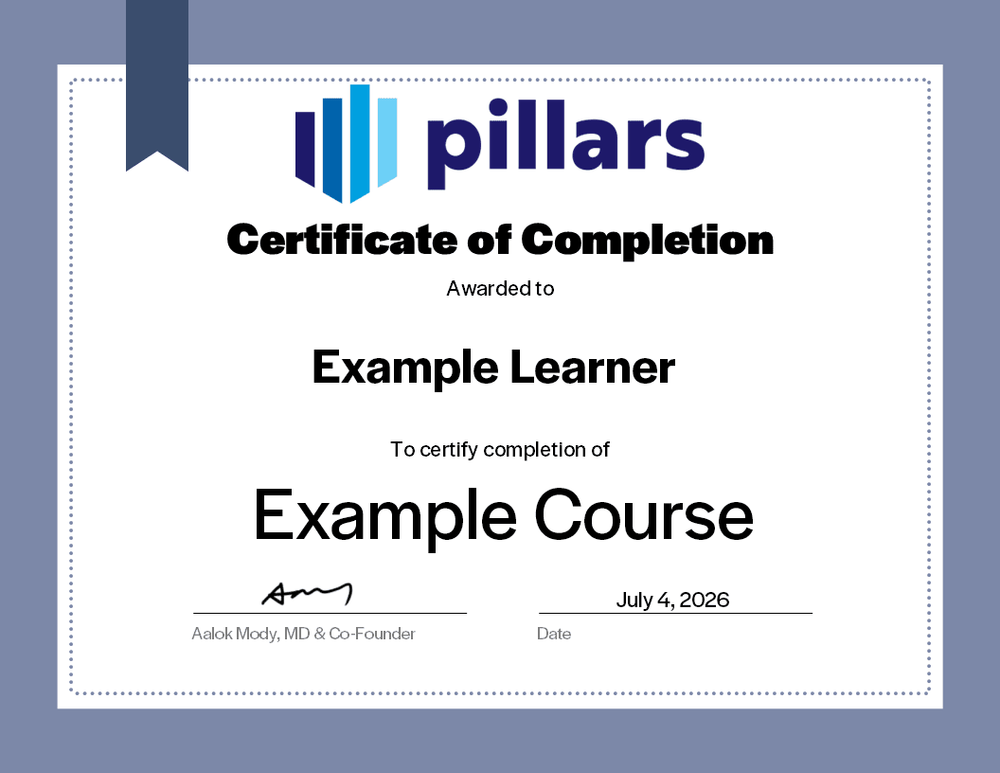
Your certificate of completion
Upon completion, you will receive a certificate signifying your completion. Add it to your LinkedIn profile, résumé, or professional-development record.
Common questions
The practical details, in one place.
Is this live or on demand?
This is a live course that may be delivered via webinar or in-person.
What does the session cover?
Practical AI use cases in finance, better prompt design, verification of generated work, and responsible handling of information. The emphasis is on using AI with sound professional judgment.
Are recordings, materials, or certificates included?
Materials are included with the course as well as a certificate indicating completion. Recordings availability is subject to contract.
I am a CPA, can this course offer CPE credit?
Yes! Pillars is licensed to provide CPE credit hours for this course.