
Modeling with Copilot
Use Microsoft Copilot to improve Excel-based analysis, modeling, and presentation workflows.
Make Excel modeling more efficient with Copilot
Microsoft Copilot can help finance professionals organize workbook information, frame analyses, improve formulas, and communicate findings more clearly. The finance professional remains responsible for sound inputs, checks, and conclusions.
The session at a glance
Format · Live instructor-led webinar or in person
Learning objectives · Use Microsoft Copilot to support Excel-based analysis, modeling, documentation, and presentation while applying clear controls and professional judgment.
Live instruction for finance workflows in Excel
Through live demonstrations and guided discussion, participants see how Copilot can improve workbook analysis, documentation, formula development, and management-ready communication—without outsourcing financial judgment to the tool.


Who this course is for
Finance professionals who build, review, explain, or rely on Excel models and want to use Microsoft Copilot with practical safeguards.
Preparation
No prior AI experience is required. Familiarity with the purpose and review of Excel-based financial models will help participants apply the examples to their work.
Course agenda
Work through practical Copilot applications that support disciplined Excel modeling and finance communication.
Preparing an Excel workbook for AI assistance
Participants learn how structured source data, transparent assumptions, and a clearly defined question give Copilot useful context without obscuring model logic.
Using Copilot to explore model information
Participants practice writing specific, reviewable prompts to identify relationships, summarize trends, and surface questions in workbook information.
Improving formulas and model documentation
Participants examine how Copilot can help explain formulas, propose starting points, and improve documentation while preserving the model owner’s judgment.
Creating clear finance communication
Participants use Copilot-assisted workflows to improve tables, charts, variance commentary, and management-ready summaries without overstating what the data supports.
Reviewing AI-assisted work before relying on it
Participants apply checks to sources, assumptions, formulas, calculations, and conclusions before incorporating Copilot output into a financial decision.
Applying a controlled Copilot workflow
Participants combine purpose-built prompts, careful validation, and documented human review into a repeatable Excel-based process.
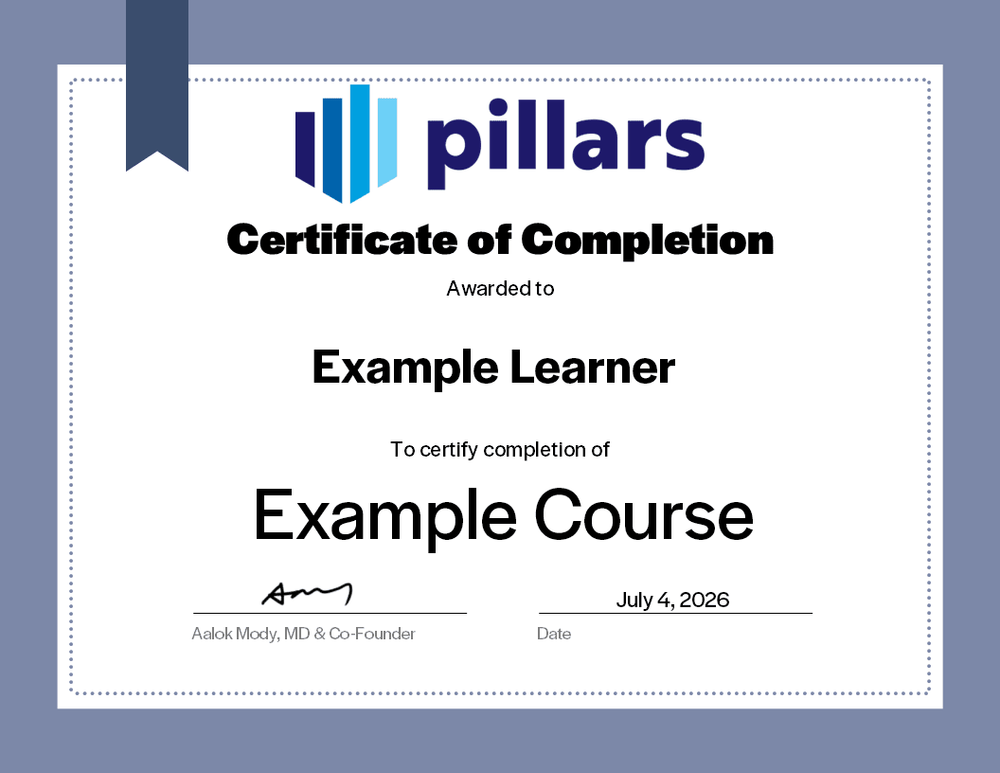
Your certificate of completion
Upon completion, you will receive a certificate signifying your completion. Add it to your LinkedIn profile, résumé, or professional-development record.
Common questions
The practical details, in one place.
Is this live or on demand?
This is a live course that may be delivered via webinar or in-person.CPE availability is confirmed for the specific scheduled offering before registration. Contact Pillars to discuss your team’s requirements.
What does the session cover?
Practical AI use cases in finance, better prompt design, verification of generated work, and responsible handling of information. The emphasis is on using AI with sound professional judgment.
Are recordings, materials, or certificates included?
Materials are included with the course as well as a certificate indicating completion. Recordings availability is subject to contract.
I am a CPA, can this course offer CPE credit?
Yes! Pillars is licensed to provide CPE credit hours for this course.